
On this page
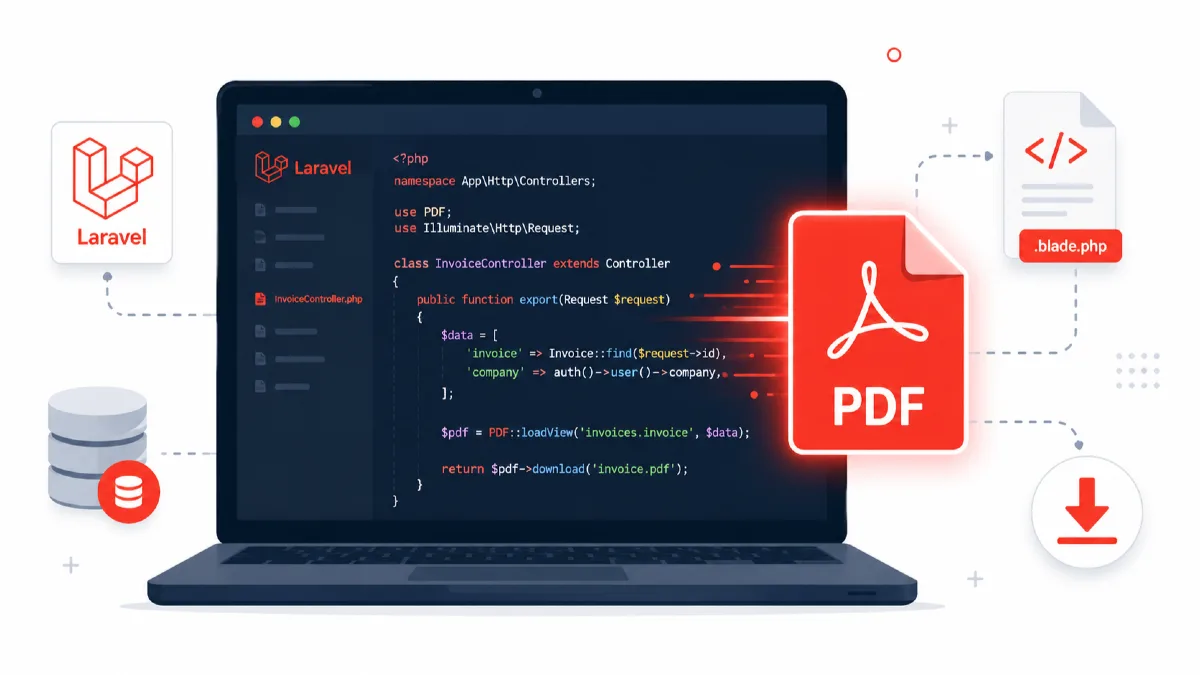
Generating and exporting PDF files is a common requirement in Laravel applications — whether you're building invoices, reports, user data exports, or certificates. In this guide, you'll learn three proven approaches to PDF generation in Laravel, with real code examples you can drop into your project today.
Why PDF Export Matters in Laravel Apps
Modern web applications frequently need to produce downloadable documents:
- Invoices & receipts — for e-commerce, SaaS billing, and fintech apps
- Reports — admin panels exporting data tables, charts, or analytics
- Certificates — for course completion, registration, etc.
- User data exports — GDPR-compliant data dumps in PDF form
Laravel doesn't ship with built-in PDF support, but the ecosystem provides excellent packages for every use case.
Option 1: barryvdh/laravel-dompdf (Recommended)
barryvdh/laravel-dompdf is the most popular Laravel PDF package. It wraps the DomPDF library, which converts HTML/CSS to PDF entirely in PHP — no binary dependencies required.
Installation
composer require barryvdh/laravel-dompdf
Publish the config (optional):
php artisan vendor:publish --provider="Barryvdh\DomPDF\ServiceProvider"
Create a Blade Template
<!DOCTYPE html>
<html>
<head>
    <meta charset="utf-8">
    <style>
        body { font-family: DejaVu Sans, sans-serif; font-size: 13px; }
        h1 { color: #2d3748; }
        table { width: 100%; border-collapse: collapse; margin-top: 20px; }
        th, td { border: 1px solid #e2e8f0; padding: 8px 12px; text-align: left; }
        th { background-color: #f7fafc; }
        .total { font-weight: bold; color: #2b6cb0; }
    </style>
</head>
<body>
    <h1>Invoice #{{ $invoice->id }}</h1>
    <p><strong>Customer:</strong> {{ $invoice->customer_name }}</p>
    <p><strong>Date:</strong> {{ $invoice->created_at->format('d M Y') }}</p>

    <table>
        <thead>
            <tr>
                <th>#</th>
                <th>Item</th>
                <th>Qty</th>
                <th>Unit Price</th>
                <th>Total</th>
            </tr>
        </thead>
        <tbody>
            @foreach($invoice->items as $i => $item)
            <tr>
                <td>{{ $i + 1 }}</td>
                <td>{{ $item->name }}</td>
                <td>{{ $item->quantity }}</td>
                <td>{{ number_format($item->unit_price, 2) }}</td>
                <td>{{ number_format($item->total, 2) }}</td>
            </tr>
            @endforeach
        </tbody>
        <tfoot>
            <tr>
                <td colspan="4" class="total">Grand Total</td>
                <td class="total">{{ number_format($invoice->grand_total, 2) }}</td>
            </tr>
        </tfoot>
    </table>
</body>
</html>
Controller: Download PDF
<?php

namespace App\Http\Controllers;

use App\Models\Invoice;
use Barryvdh\DomPDF\Facade\Pdf;

class InvoiceController extends Controller
{
    public function download(Invoice $invoice)
    {
        $pdf = Pdf::loadView('pdf.invoice', compact('invoice'));

        // Force download
        return $pdf->download("invoice-{$invoice->id}.pdf");
    }

    public function stream(Invoice $invoice)
    {
        $pdf = Pdf::loadView('pdf.invoice', compact('invoice'));

        // Open inline in browser
        return $pdf->stream("invoice-{$invoice->id}.pdf");
    }
}
Route
Route::get('/invoices/{invoice}/download', [InvoiceController::class, 'download'])
    ->name('invoices.download')
    ->middleware('auth');
DomPDF Configuration Tips
In config/dompdf.php, useful options include:
'options' => [
    'defaultFont'   => 'DejaVu Sans',   // Best Unicode/Bangla support
    'isRemoteEnabled' => true,           // Allow remote images
    'isHtml5ParserEnabled' => true,
    'dpi'           => 150,              // Higher DPI = sharper output
    'defaultPaperSize' => 'a4',
],
Note for Bangla/Unicode text: Use
DejaVu Sansor embed a custom font via@font-facein your Blade CSS. DomPDF has limited font support by default.
Option 2: Snappy PDF (wkhtmltopdf)
barryvdh/laravel-snappy uses wkhtmltopdf, a headless Qt WebKit renderer. It produces pixel-perfect PDFs with full CSS3 support, but requires a system binary.
Installation
composer require barryvdh/laravel-snappy
Install the binary (Linux):
# Via h4cc/wkhtmltopdf-amd64 (no system dependency)
composer require h4cc/wkhtmltopdf-amd64 h4cc/wkhtmltoimage-amd64

# Or download from: https://wkhtmltopdf.org/downloads.html
Publish config:
php artisan vendor:publish --provider="Barryvdh\Snappy\ServiceProvider"
Update config/snappy.php:
'pdf' => [
    'enabled' => true,
    'binary'  => base_path('vendor/h4cc/wkhtmltopdf-amd64/bin/wkhtmltopdf-amd64'),
    'timeout' => 3600,
    'options' => [],
    'env'     => [],
],
Controller
use Barryvdh\Snappy\Facades\SnappyPdf as PDF;

public function downloadSnappy(Invoice $invoice)
{
    $pdf = PDF::loadView('pdf.invoice', compact('invoice'));

    return $pdf->download("invoice-{$invoice->id}.pdf");
}
Snappy supports additional options like margins, headers, footers:
$pdf = PDF::loadView('pdf.invoice', compact('invoice'))
    ->setOption('margin-top', 10)
    ->setOption('margin-bottom', 10)
    ->setOption('footer-right', 'Page [page] of [topage]');
Option 3: Browsershot (Headless Chrome)
spatie/browsershot uses a headless Chromium instance (via Puppeteer). It produces the most accurate rendering — identical to what Chrome shows — but requires Node.js and Puppeteer installed.
Installation
composer require spatie/browsershot
npm install puppeteer
Usage
use Spatie\Browsershot\Browsershot;

public function downloadBrowsershot(Invoice $invoice)
{
    $html = view('pdf.invoice', compact('invoice'))->render();

    $pdfContent = Browsershot::html($html)
        ->format('A4')
        ->margins(10, 10, 10, 10)
        ->pdf();

    return response($pdfContent, 200, [
        'Content-Type'        => 'application/pdf',
        'Content-Disposition' => "attachment; filename=invoice-{$invoice->id}.pdf",
    ]);
}
Saving PDF to Storage Instead of Downloading
Sometimes you need to store the PDF on disk (e.g., to attach to an email later or cache for repeated downloads).
use Barryvdh\DomPDF\Facade\Pdf;
use Illuminate\Support\Facades\Storage;

public function generateAndStore(Invoice $invoice): string
{
    $pdf = Pdf::loadView('pdf.invoice', compact('invoice'));

    $path = "invoices/invoice-{$invoice->id}.pdf";

    // Store in storage/app/invoices/
    Storage::put($path, $pdf->output());

    return $path;
}

public function downloadStored(Invoice $invoice)
{
    $path = "invoices/invoice-{$invoice->id}.pdf";

    if (! Storage::exists($path)) {
        $this->generateAndStore($invoice);
    }

    return Storage::download($path, "invoice-{$invoice->id}.pdf");
}
Sending PDF as Email Attachment
use Barryvdh\DomPDF\Facade\Pdf;
use Illuminate\Mail\Mailable;
use Illuminate\Mail\Mailables\Attachment;
use Illuminate\Mail\Mailables\Content;
use Illuminate\Mail\Mailables\Envelope;

class InvoiceMail extends Mailable
{
    public function __construct(public Invoice $invoice) {}

    public function envelope(): Envelope
    {
        return new Envelope(subject: "Invoice #{$this->invoice->id}");
    }

    public function content(): Content
    {
        return new Content(view: 'mail.invoice');
    }

    public function attachments(): array
    {
        $pdf = Pdf::loadView('pdf.invoice', ['invoice' => $this->invoice]);

        return [
            Attachment::fromData(
                fn () => $pdf->output(),
                "invoice-{$this->invoice->id}.pdf"
            )->withMime('application/pdf'),
        ];
    }
}
Comparison Table
| Feature | DomPDF | Snappy (wkhtmltopdf) | Browsershot |
|---|---|---|---|
| CSS Support | Basic CSS2/3 | Full CSS3 | Full (Chrome-level) |
| System Binary | ❌ None needed | ✅ wkhtmltopdf | ✅ Node + Puppeteer |
| Unicode/Bangla | Needs font setup | ✅ Native | ✅ Native |
| JavaScript | ❌ No | ❌ No | ✅ Yes |
| Rendering Quality | Good | Very Good | Excellent |
| Speed | Fast | Medium | Slowest |
| Best For | Simple invoices, reports | Complex layouts | JS-heavy pages |
| Server Requirements | PHP only | Linux binary | Node.js + Chromium |
Conclusion
For most Laravel applications — invoices, reports, data exports — barryvdh/laravel-dompdf is the go-to choice. It's pure PHP, easy to install, and works out of the box on any hosting environment including shared hosting and Docker containers.
If your PDFs have complex CSS layouts or you need pixel-perfect rendering, Snappy (wkhtmltopdf) is a solid upgrade. And for the highest fidelity — especially when your Blade views use JavaScript-rendered content — Browsershot with headless Chrome is unbeatable.
Quick Decision Guide
- Simple invoice / table / report →
barryvdh/laravel-dompdf - Complex CSS, headers/footers, page numbers →
barryvdh/laravel-snappy - Dynamic JS content or pixel-perfect output →
spatie/browsershot